
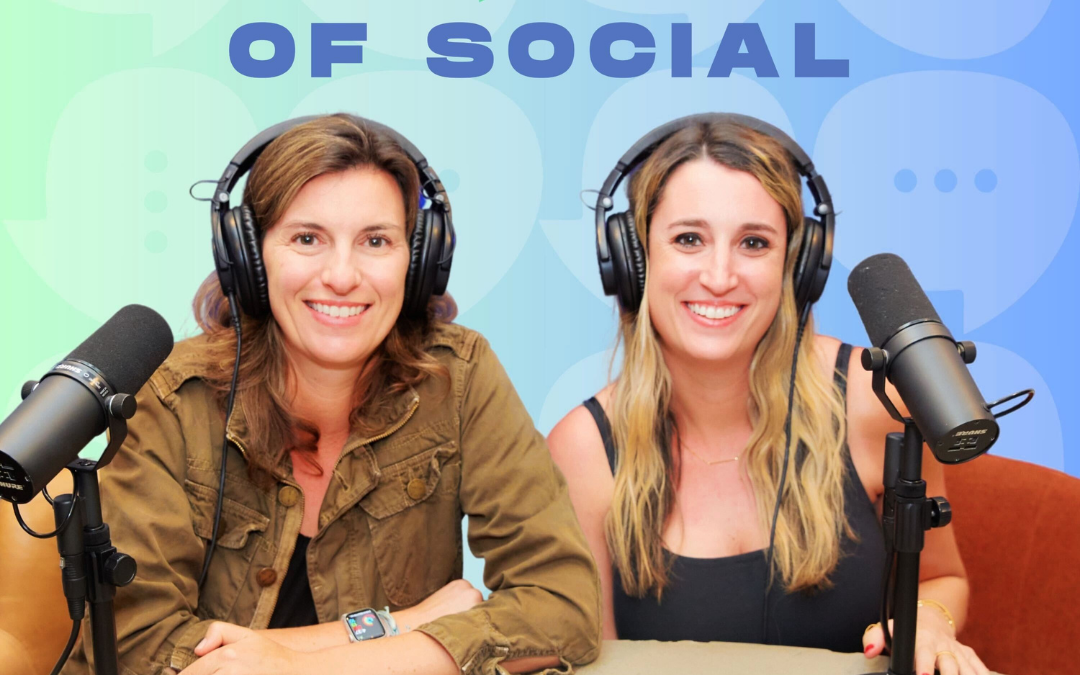
Dose of Social Episode 18: Work Smarter, Not Harder: Using AI in Social Media Management
Work Smarter, Not Harder Using AI in Social Media Management
Season Two | Episode EIGHTEEN
Listen On Spotify
AI is everywhere right now, and if you work in social media or digital marketing, you’ve probably wondered how to use it without sounding generic, off-brand, or robotic. In this episode of Dose of Social, Lindsay Mauch and Kayla Perlstein dive into what AI actually means for social media marketers and business owners, and how to use it as a tool rather than a crutch.
AI, or artificial intelligence, refers to technology that helps automate tasks, generate ideas, and improve efficiency. In social media, that can look like caption writing, content ideation, image generation, analytics recommendations, business planning, and even email drafting. Really, the sky is the limit. But AI isn’t magic, and it isn’t meant to replace strategy or creativity.
How AI Fits Into Social Media Workflows
One of the most common uses of AI in social media marketing is caption writing and ideation. Tools like ChatGPT can be incredibly helpful when you’re hitting creative roadblocks or short on time. That said, AI tends to rely on the same phrases over and over. Words like “elevate,” “thrilled,” and “discover” are dead giveaways that you’ve used an AI prompt and so is the em dash. If you copy and paste AI output directly, it’s usually obvious. Just say no to the “—”
Instead, AI works best as a thought starter. Use it to get ideas flowing, then rewrite the caption to match your brand voice. The more specific your prompt,tone, audience, and goal, the better the result. AI needs to be trained just like a new hire.
Beyond captions, AI can support:
- Business plans and SOPs
- Content calendars and brainstorming
- Email writing (especially for sensitive or difficult responses)
- SWOT analyses and audits
- Hashtag and post structure suggestions
Used well, AI can drastically reduce the time spent staring at a blank screen.
Listen On Youtube
AI Image Generation: Helpful, But Not Perfect
AI image tools like Ideogram are powerful for ideation, but they’re not production-ready in most cases. They’re great for mood boards, creative inspiration, and visual concepts—but details often give them away. Extra fingers, missing elements, or visuals that don’t match modern settings are common issues. However, this technology is improving every single day.
If you’re using AI-generated images, always review them closely and consider labeling them as AI. Transparency matters, and rules around AI content are continuing to evolve.
Is AI Going to Replace Social Media Jobs?
The reality is this: AI won’t replace marketers. However, marketers who use AI will replace those who don’t. AI helps eliminate busywork so you can focus on strategy, creativity, and connection. It’s not about removing the human element; it’s about protecting it.
When used intentionally, AI allows you to work smarter, respond faster, and spend more time on high-value work both in your business and in your life.
Actionable Takeaways
- Use AI for ideation, not final drafts: Treat AI as a brainstorming partner, not the voice of your brand.
- Train your AI with clear prompts: Specify tone, audience, goals, and examples to get better output.
- Always review AI content before publishing: Especially hashtags, captions, and AI-generated images.
- Leverage AI beyond social posts: Use it for emails, SOPs, audits, business planning, and analysis.
- Don’t fear AI. Embrace it strategically: The goal is efficiency, not replacement. AI should support your work, not define it.
Listen On Apple
❤️ Loving the show?
If you enjoyed this episode, please head over to Apple Podcasts and leave a rating. It takes less than a minute and helps us keep creating content.

